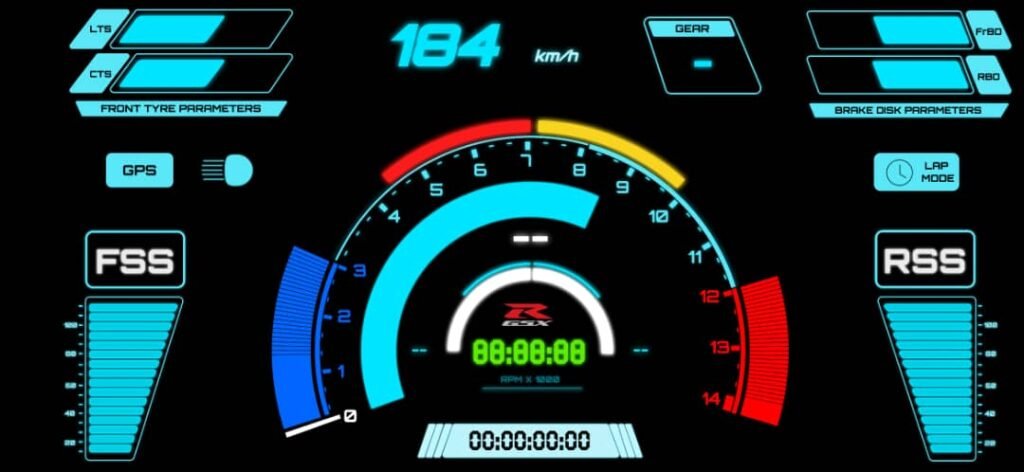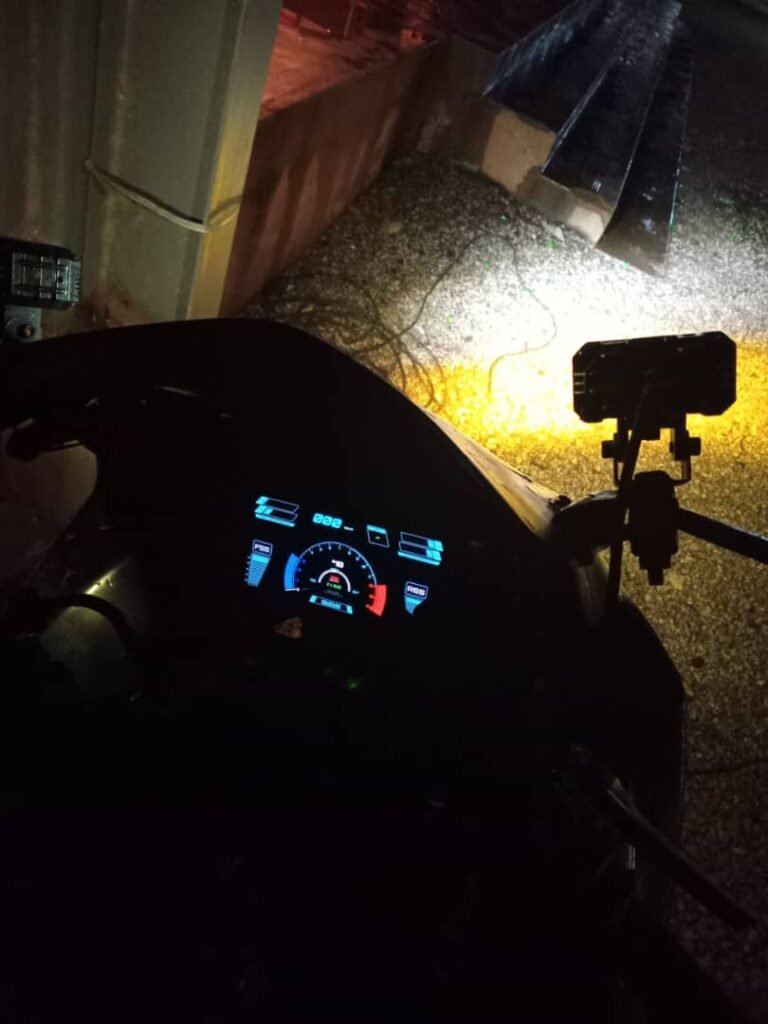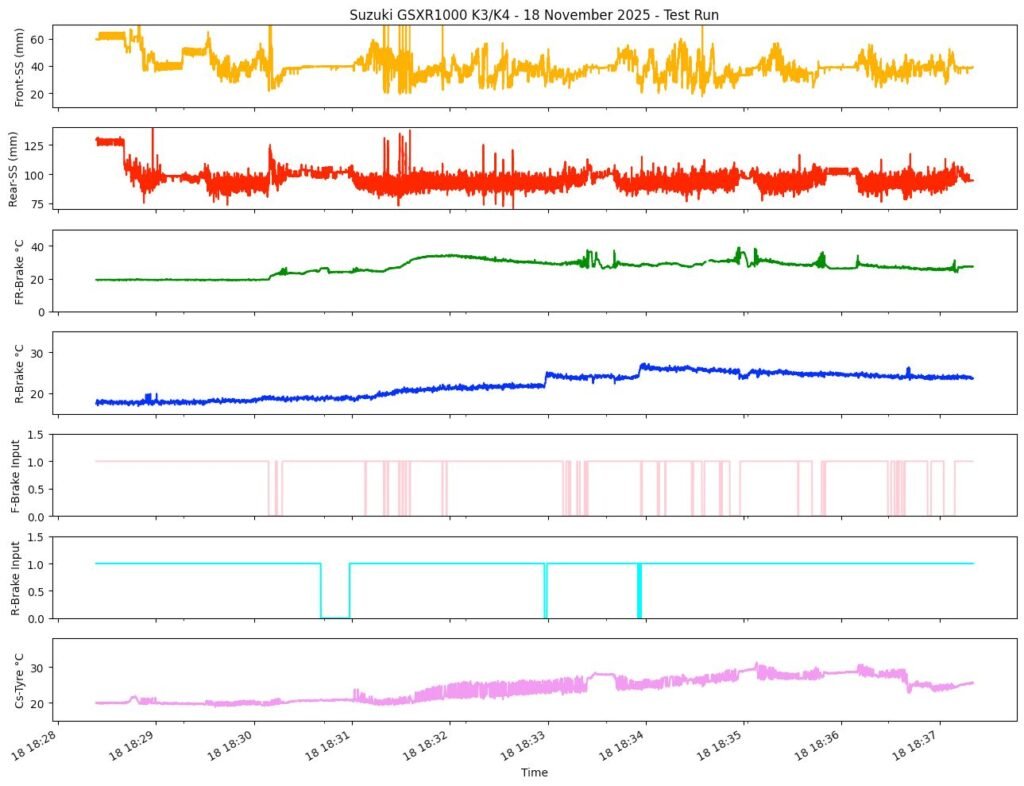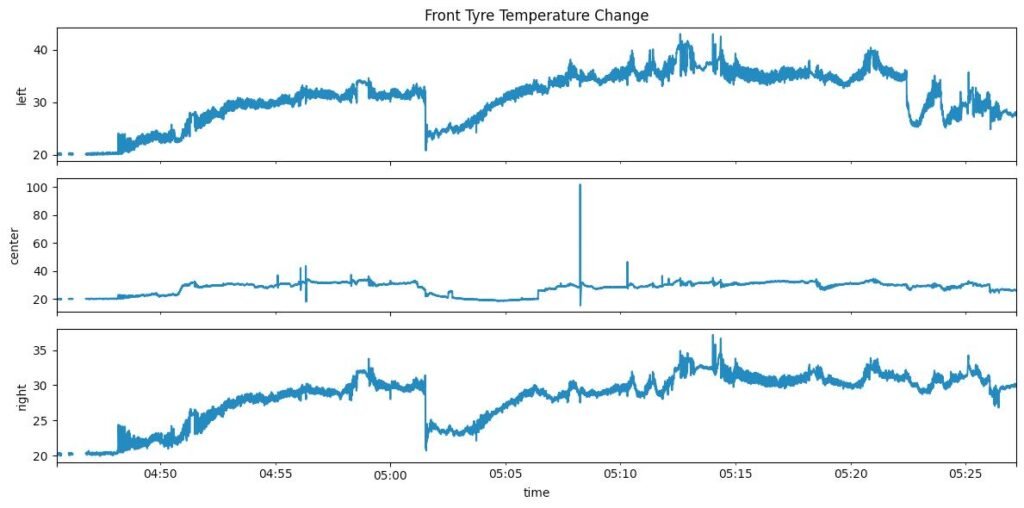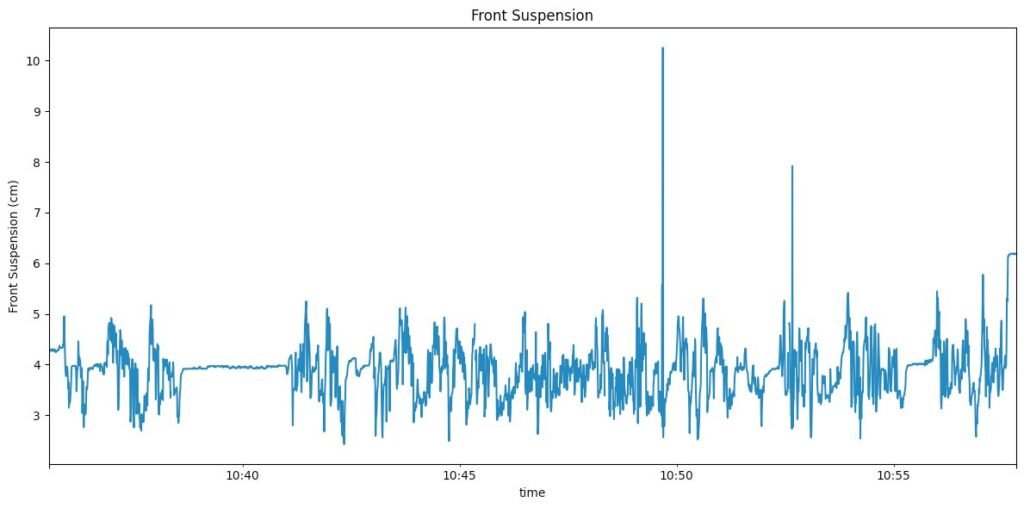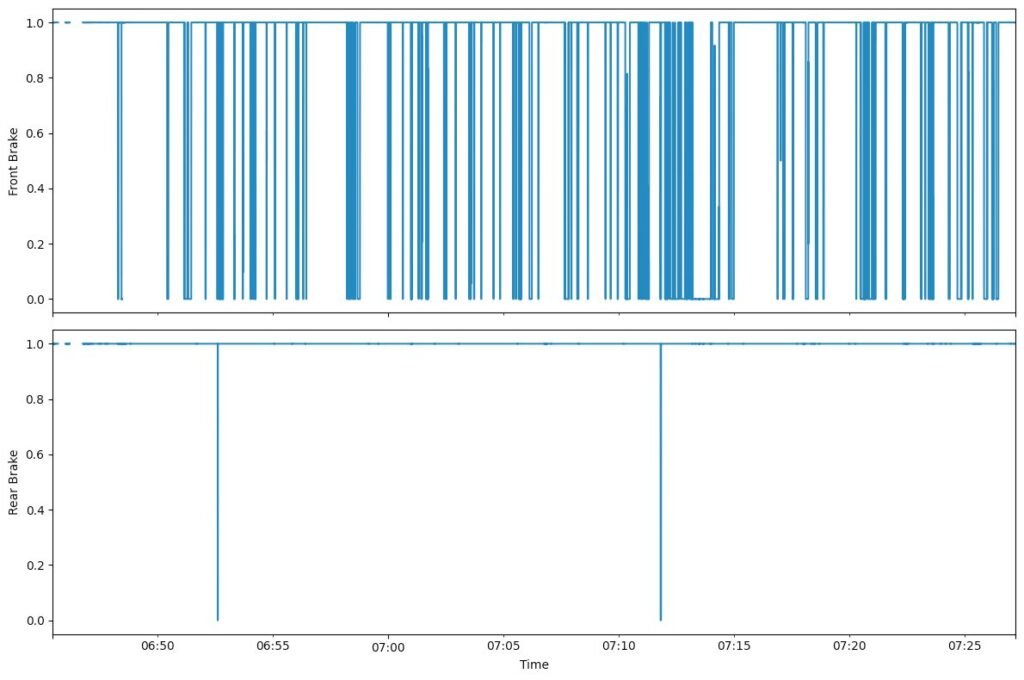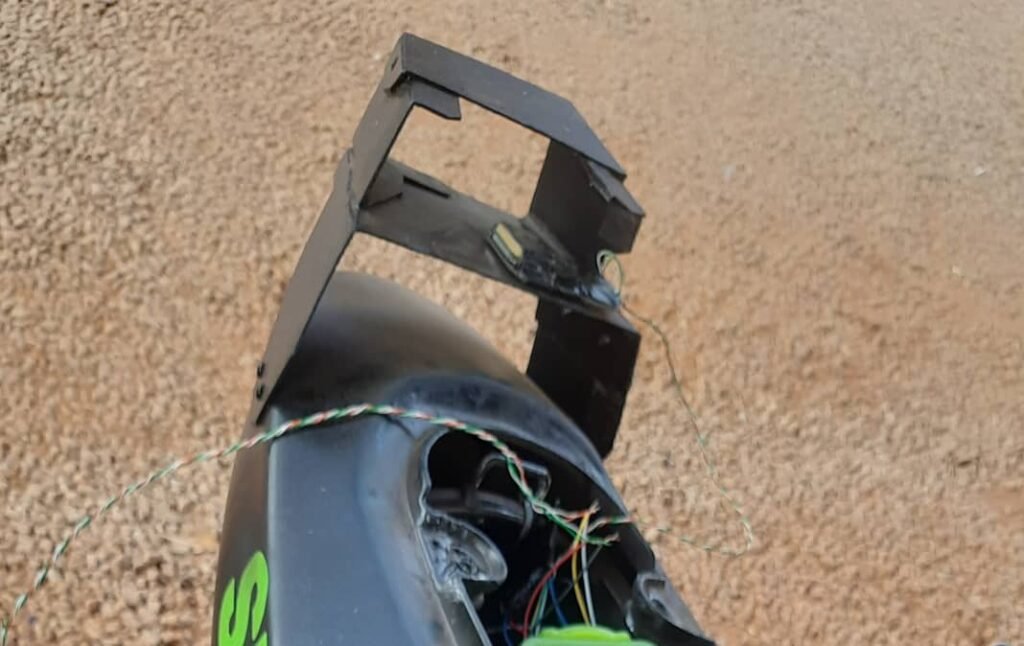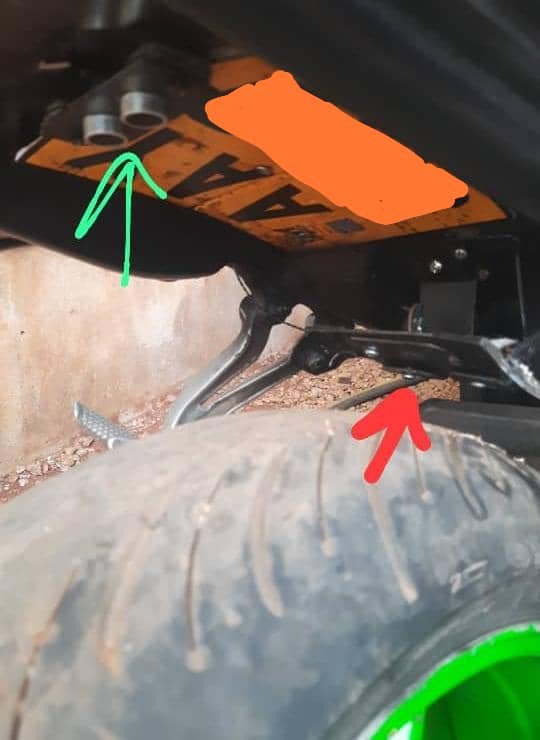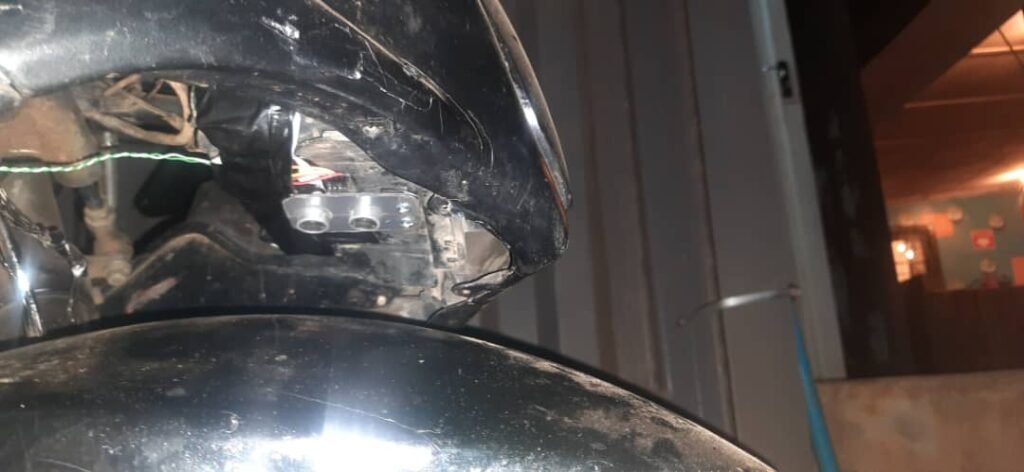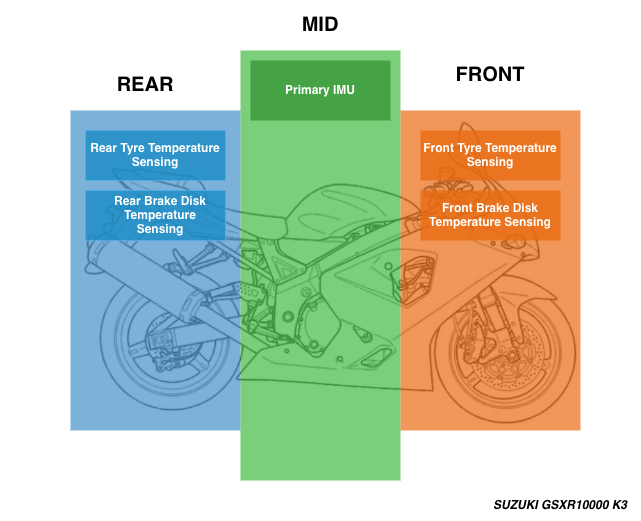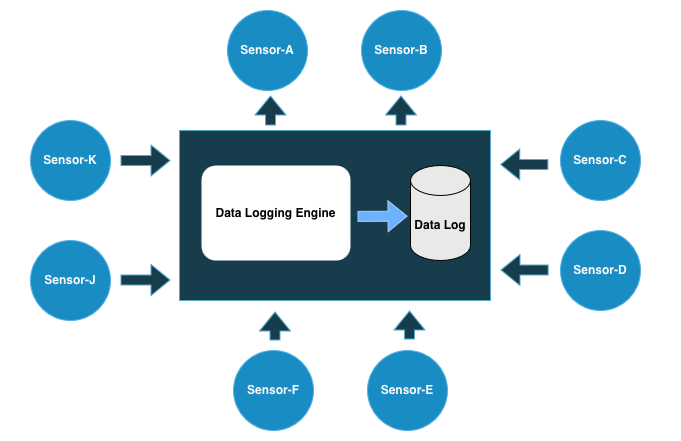
One thing I didn’t expect to learn so quickly in this project was hardware failure.
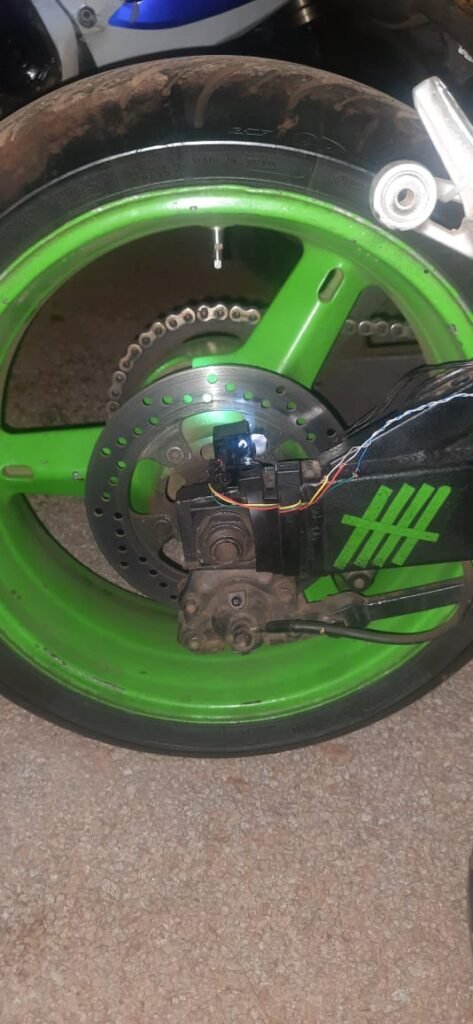
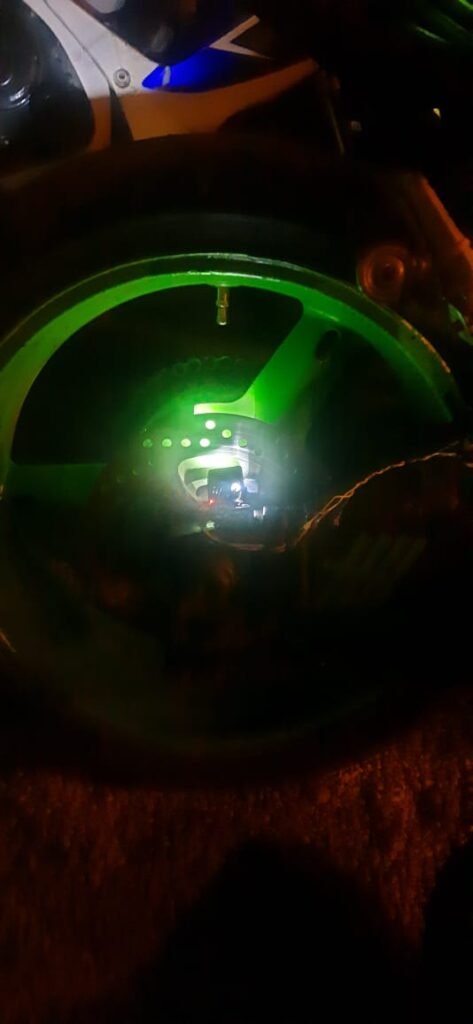
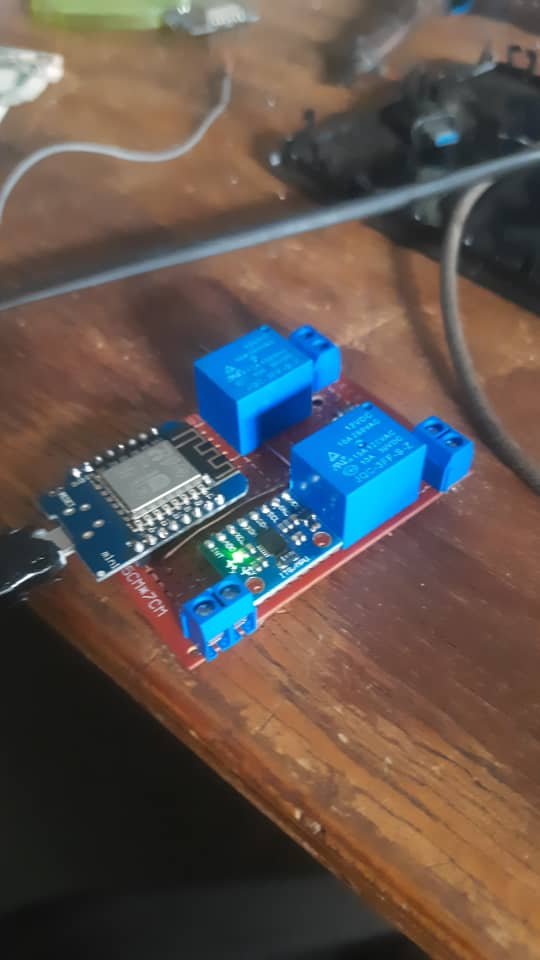
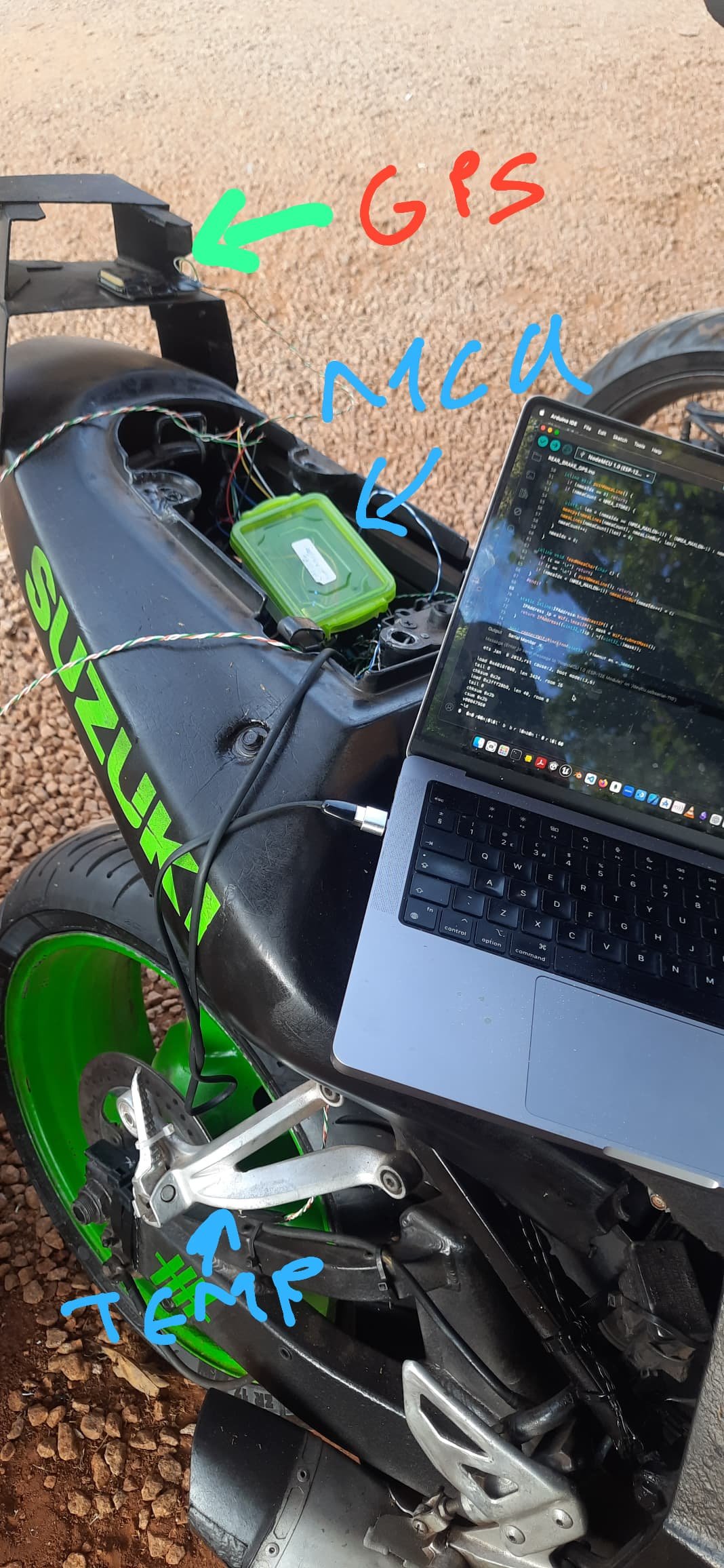
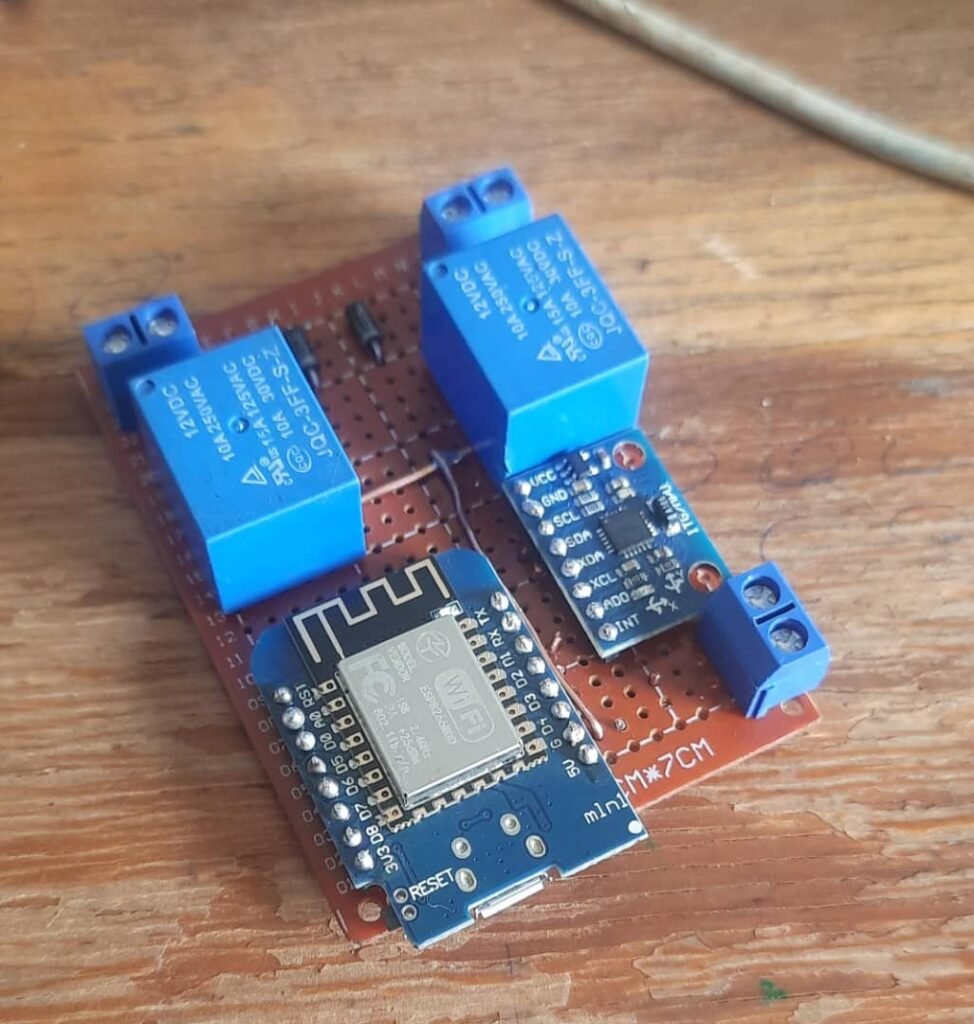
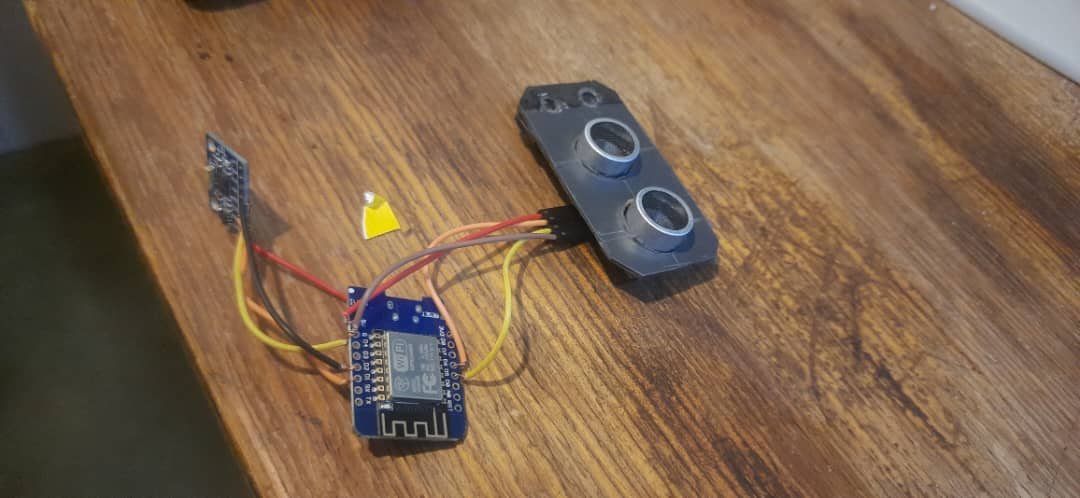
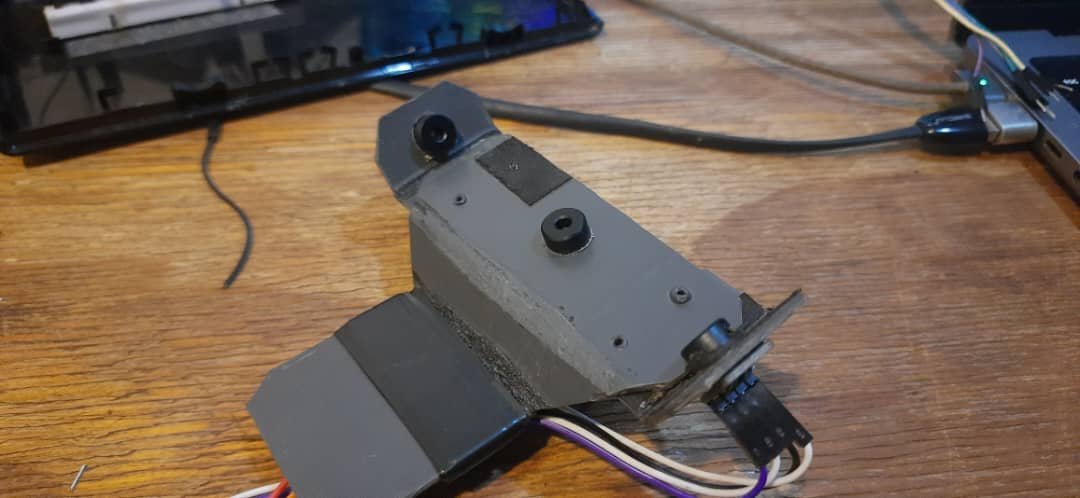
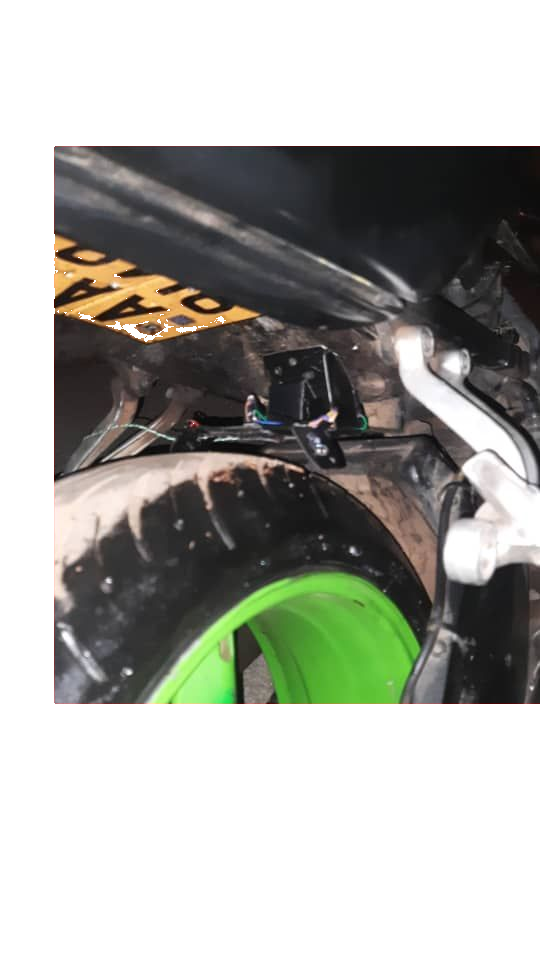
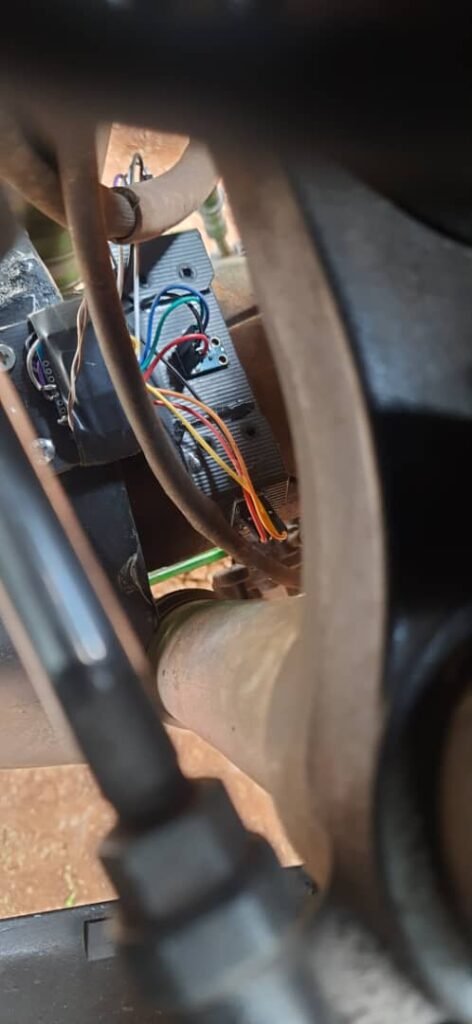
Because my sensor hardware is prototype-grade (cheap modules, improvised mounts, messy environments), I started seeing things like:
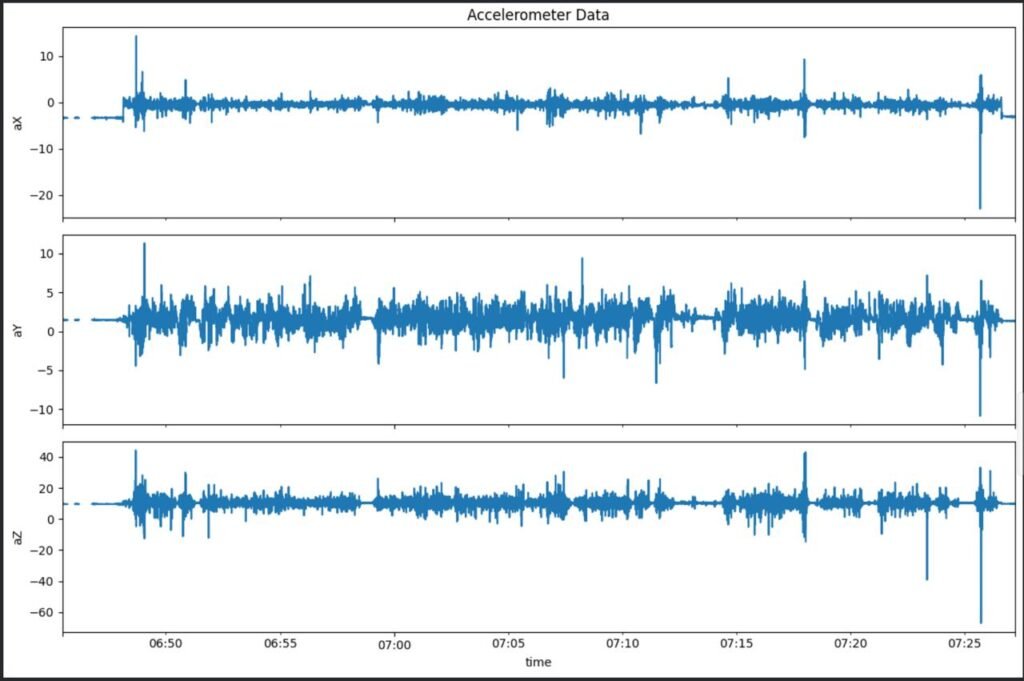
- sensor dropouts mid-ride
- modules rebooting randomly
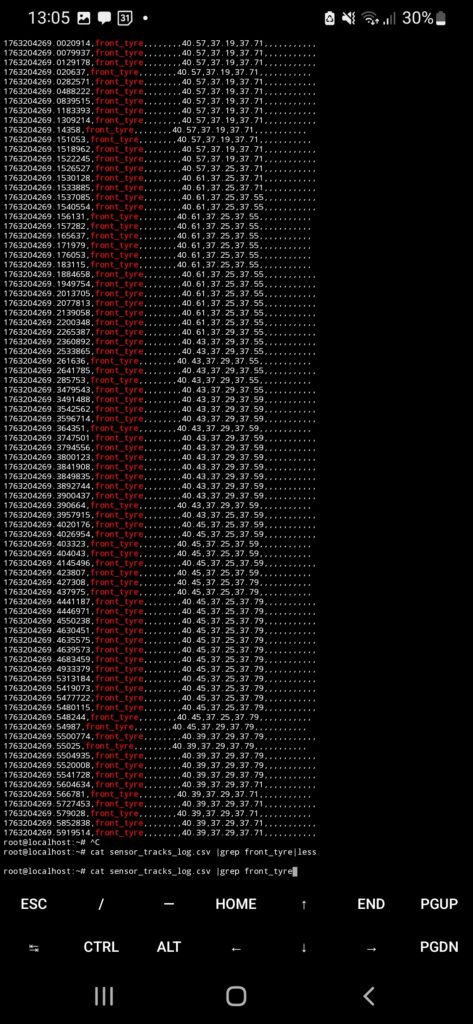
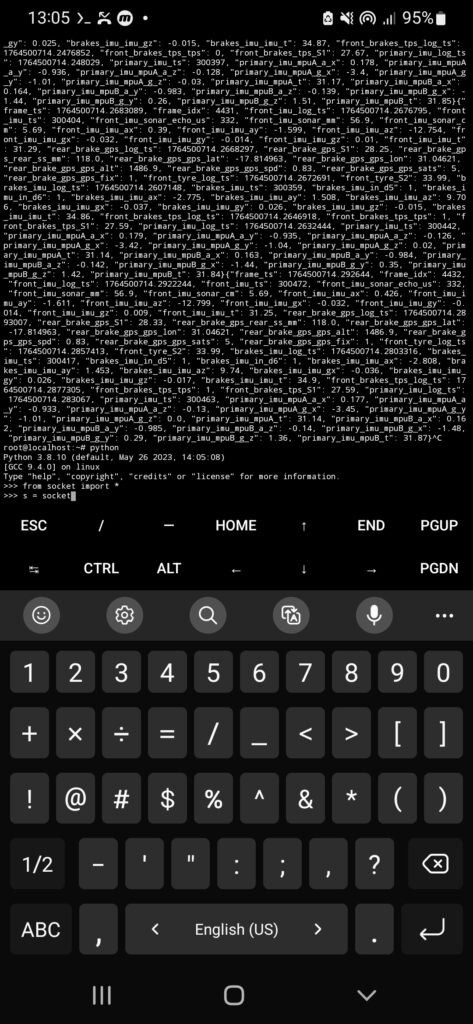
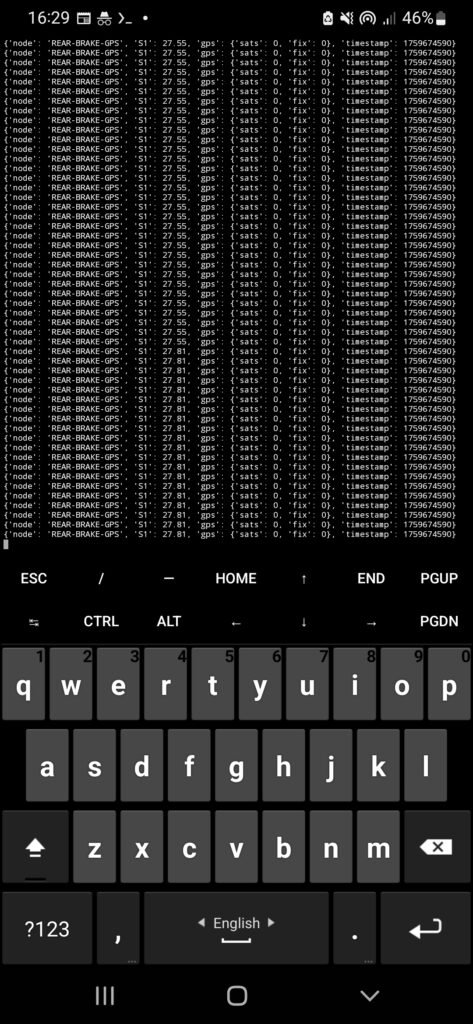
- packets arriving with missing fields
- “null” or zero values suddenly appearing
- data streams going quiet with no warning
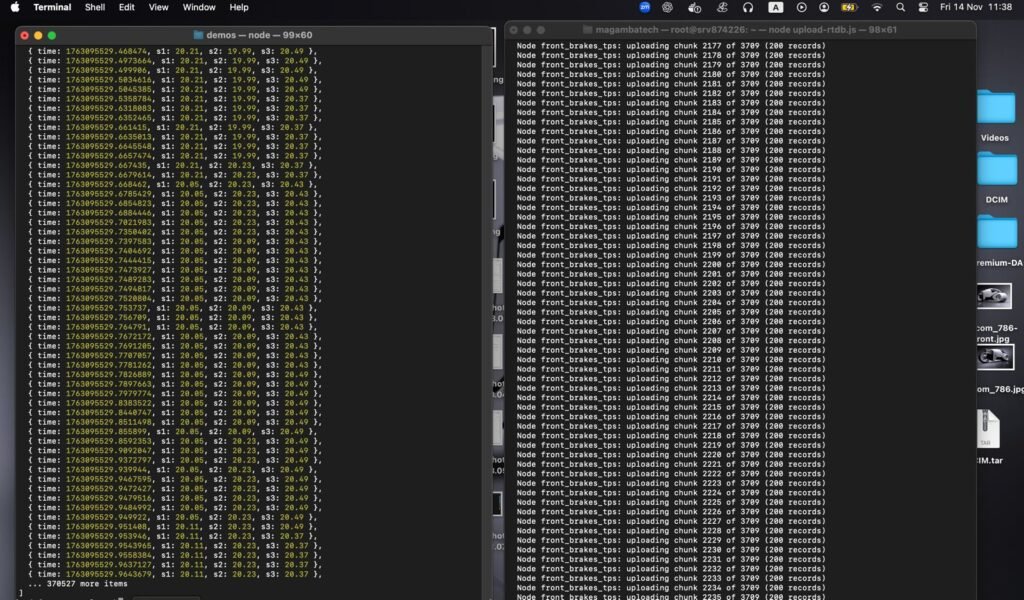
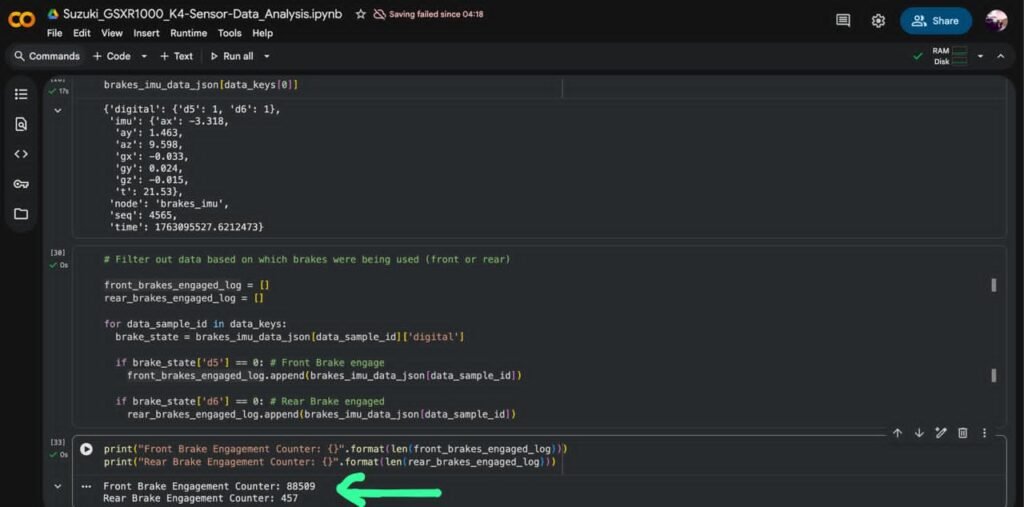
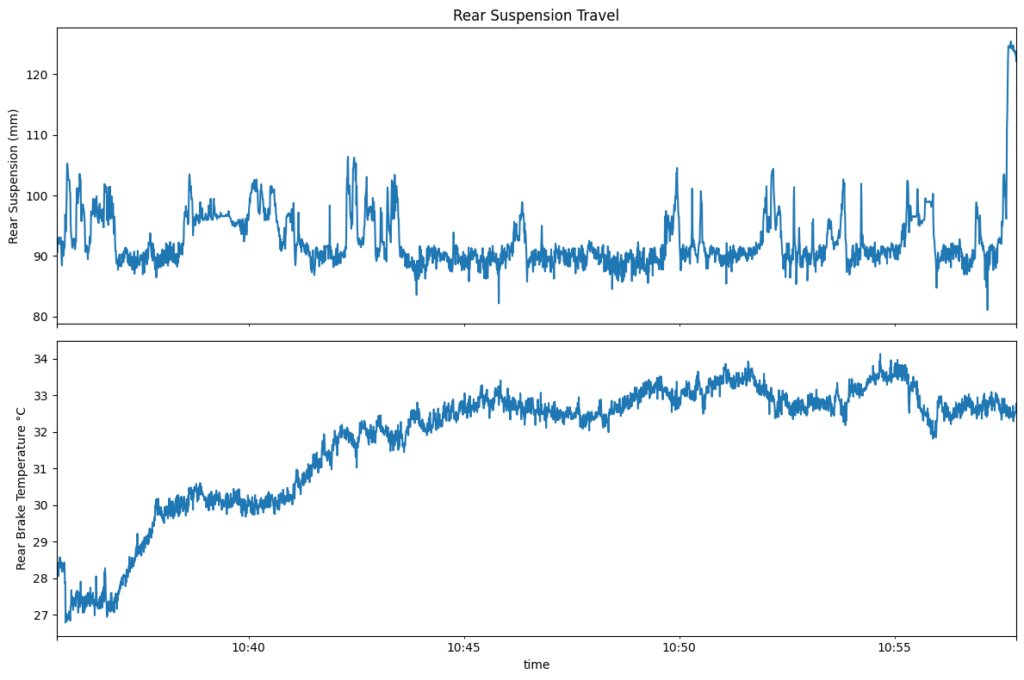
And the worst part wasn’t the failure — it was not knowing which subsystem failed without stopping everything and digging through logs.
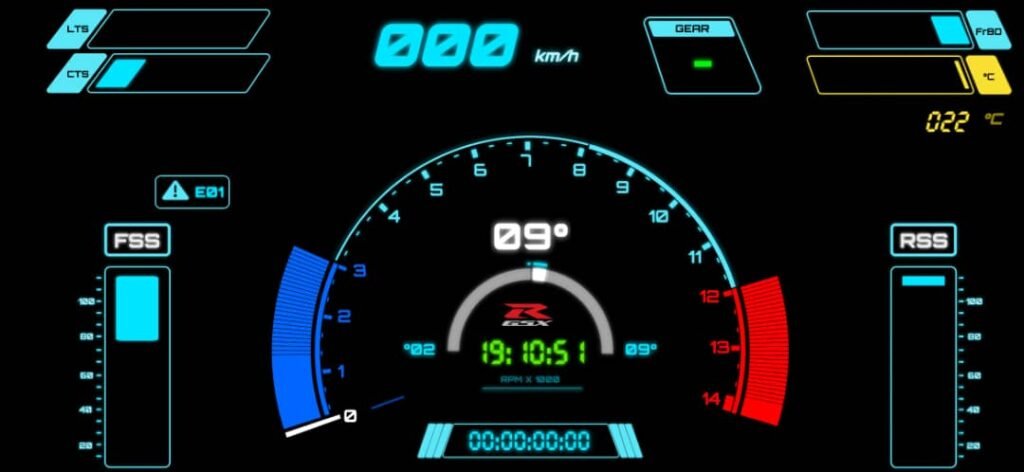
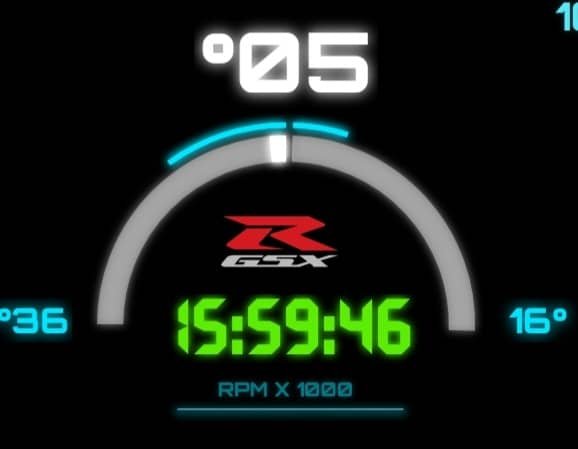
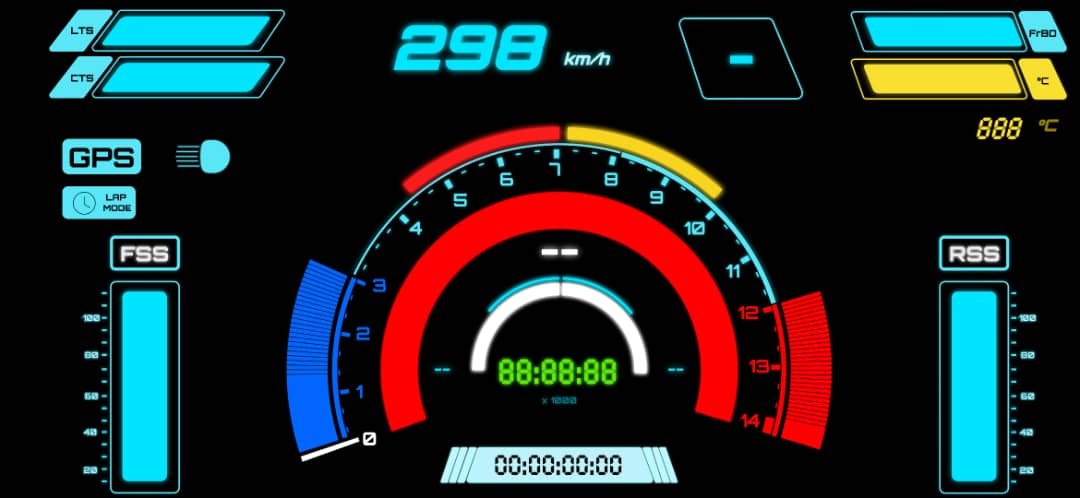
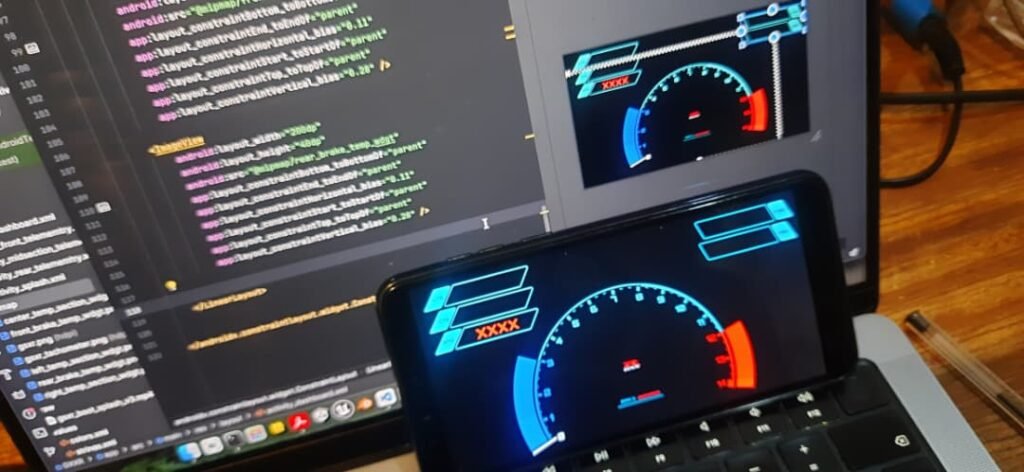
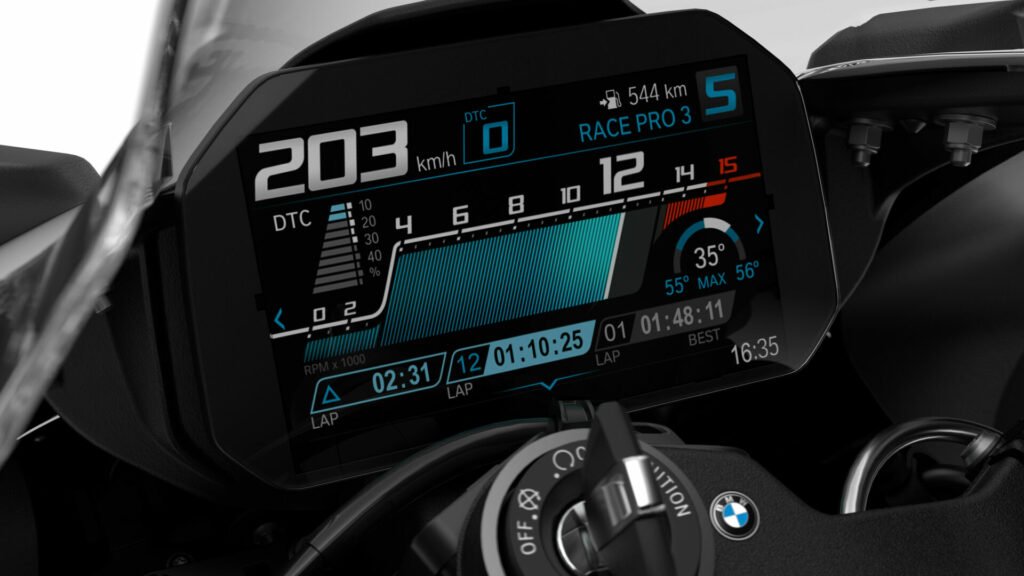
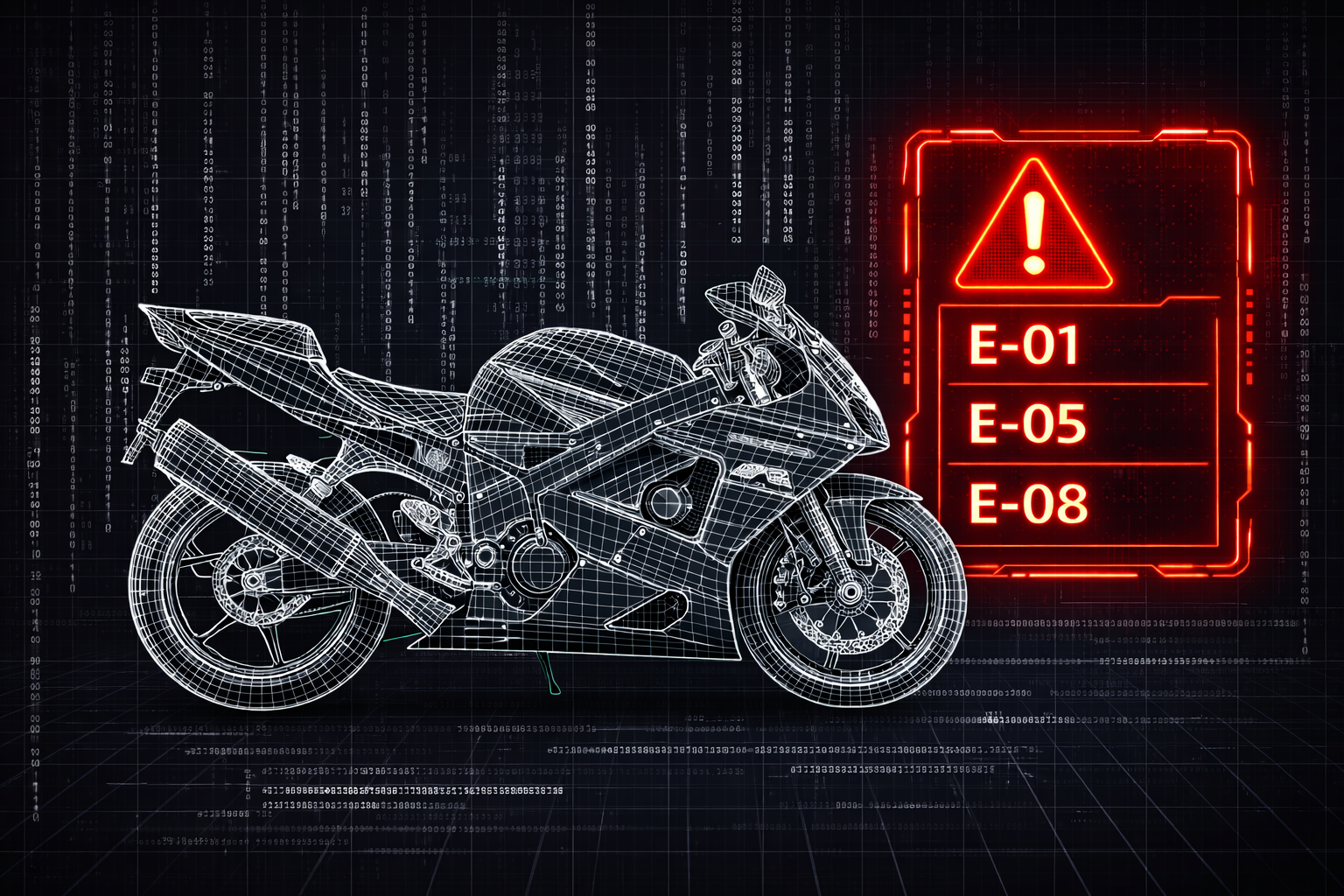
So I built a simple diagnostic layer: an error code system that would tell me, directly on the dashboard, what had stopped responding.
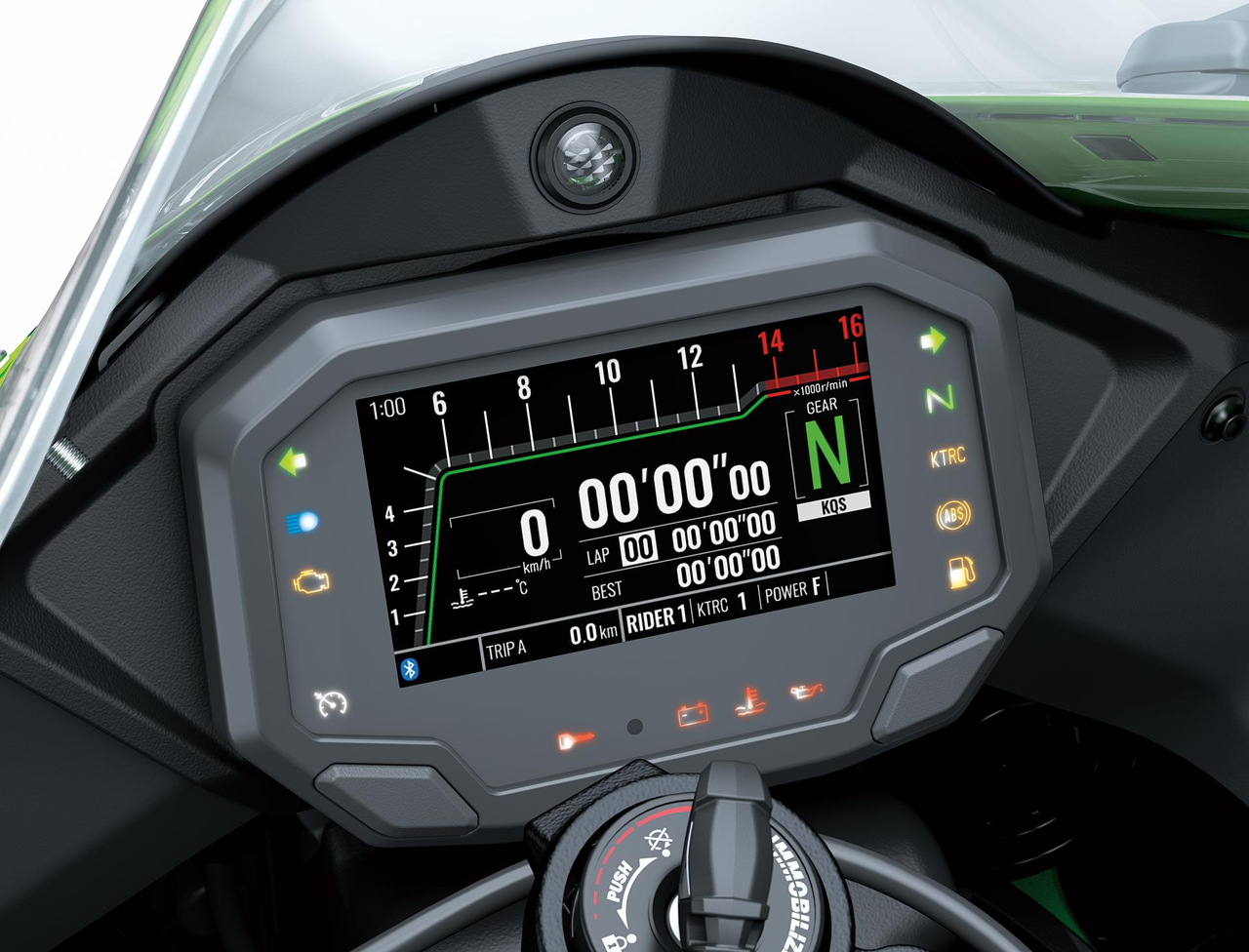
Inspiration: the OEM “dealer mode” style of diagnostics
The idea was inspired by how older bikes expose faults through the dash.
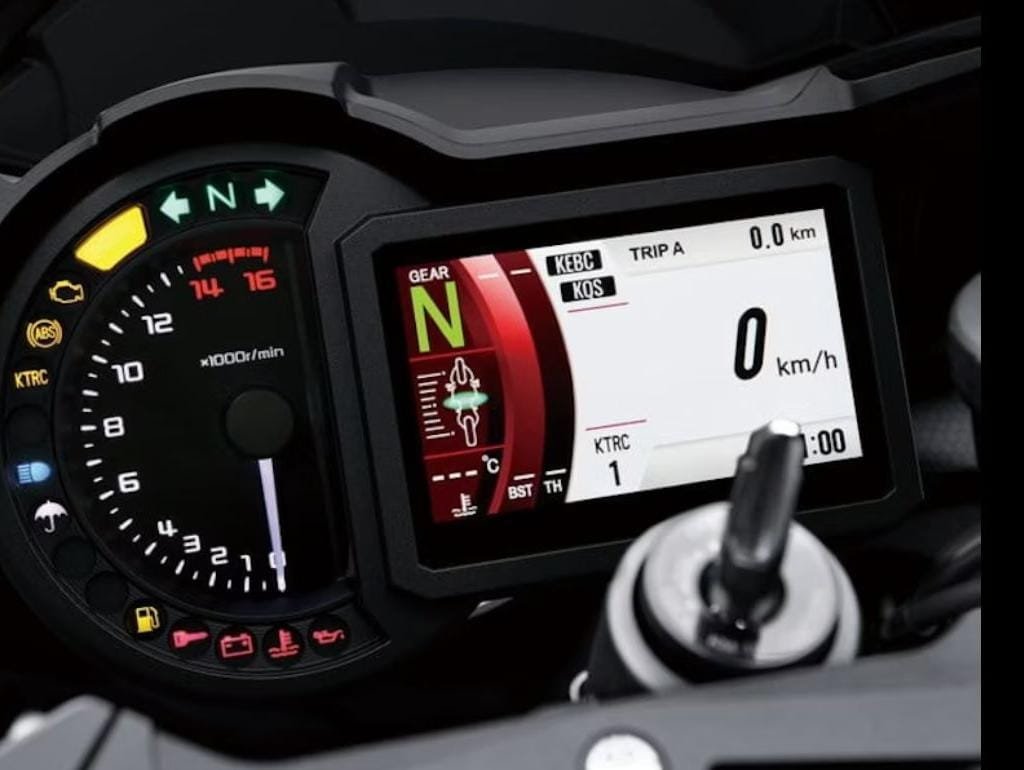
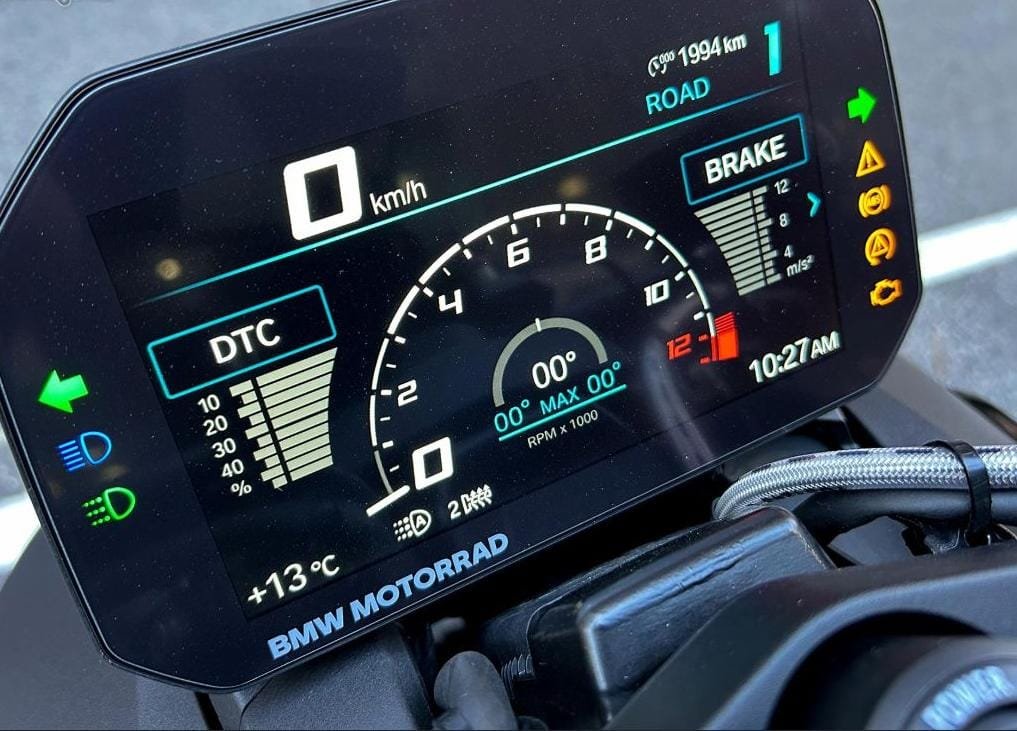
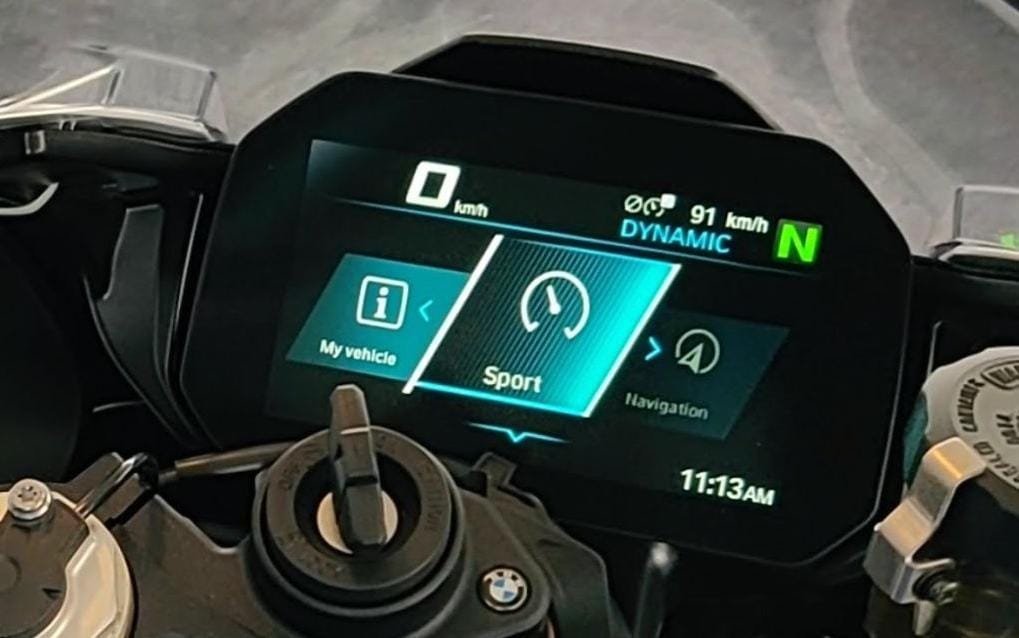
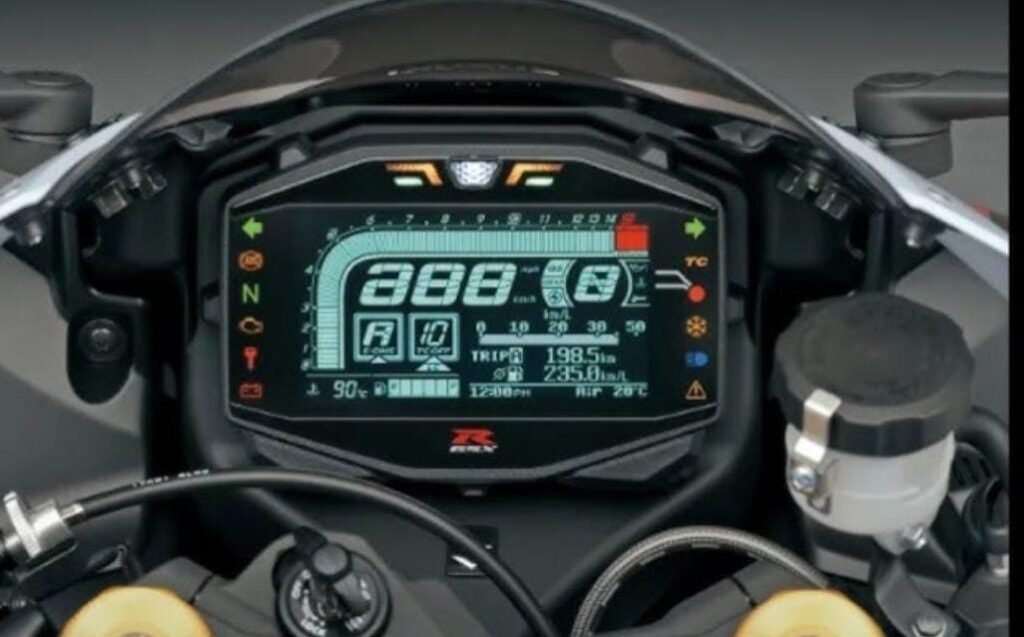
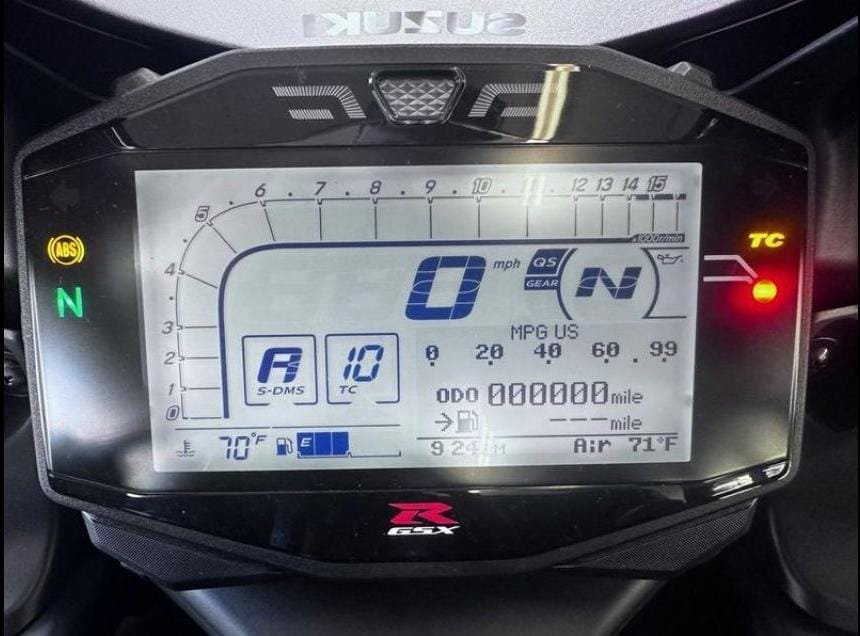
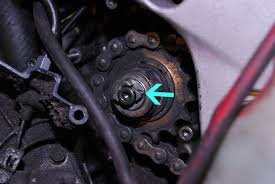
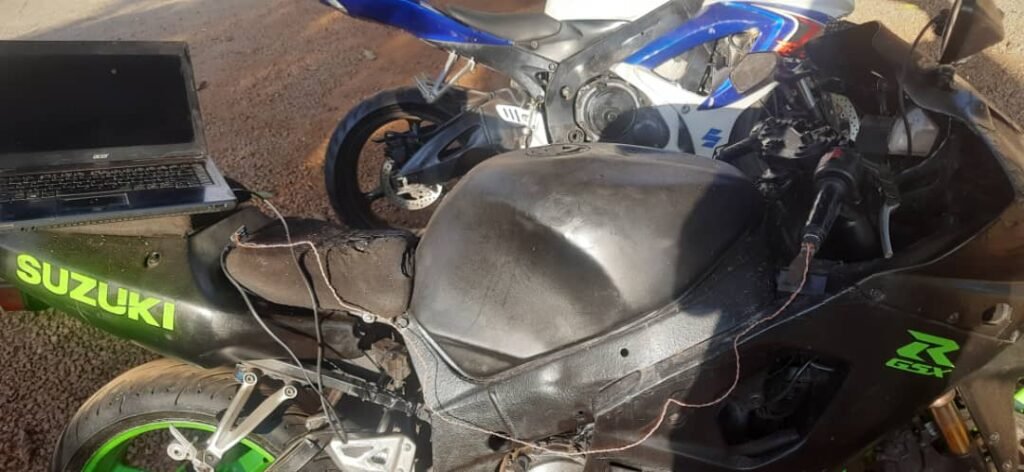
On the 2003 GSX-R1000, you can enter the bike’s diagnostic / dealer mode using the service connector and the dash will display fault codes (or a normal “all good” state). It’s simple but extremely useful: if something is broken, the bike tells you.
I obviously can’t integrate into the OEM ECU diagnostics system — but I can build the same concept for my own sensor network.
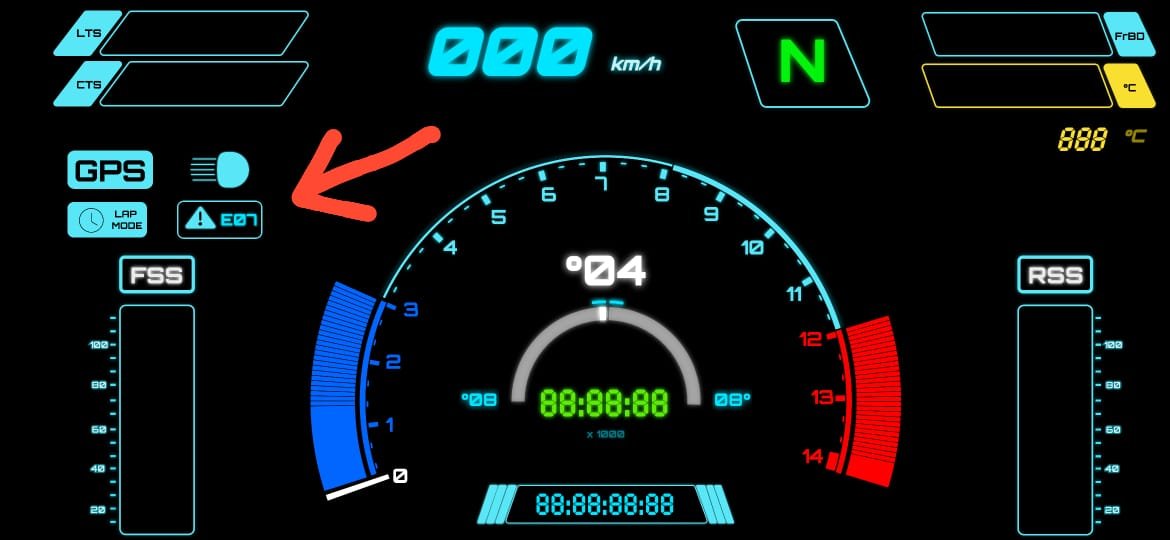
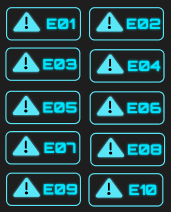
So I did: my custom dashboard would show E-codes that represent failures in my sensor subsystems.
Step 1: Enumerate sensors and define error codes
First I listed every sensor / subsystem I cared about detecting. Then I assigned a simple code format:
- E-01 to E-10
- each code maps to a specific subsystem
- codes should be readable at a glance
- codes should be able to show multiple failures in a cycle
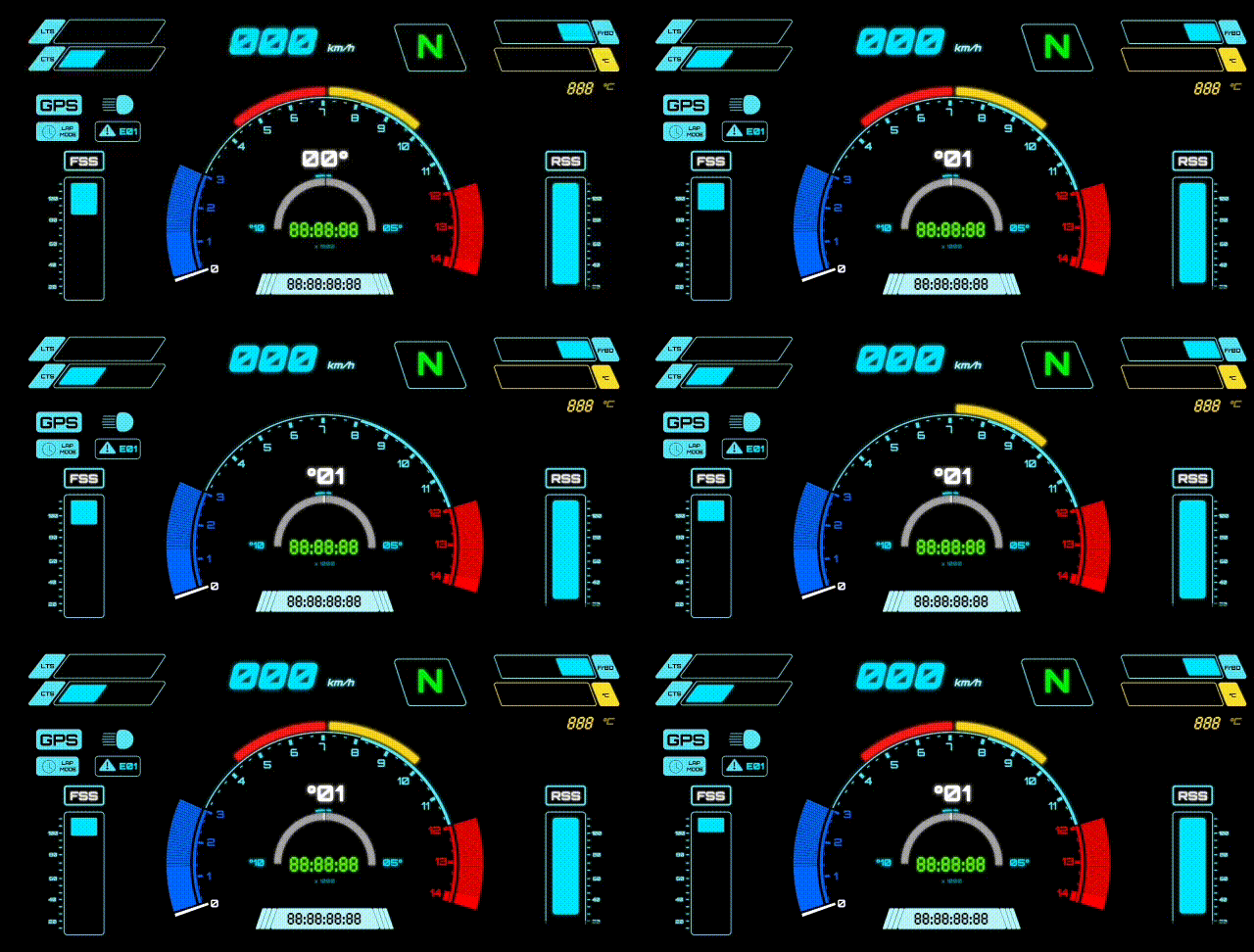
This is the mapping I used:
Error Code → Subsystem
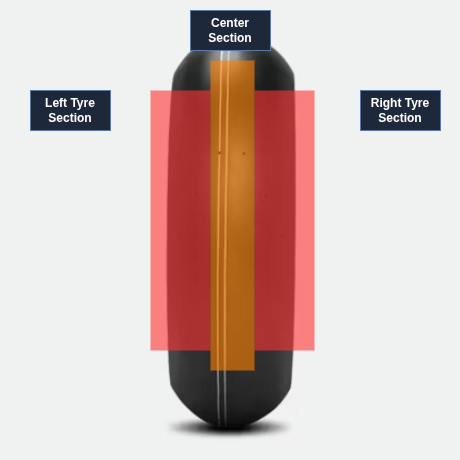
- E-01 → Left edge front tyre temperature sensor
- E-02 → Center front tyre temperature sensor
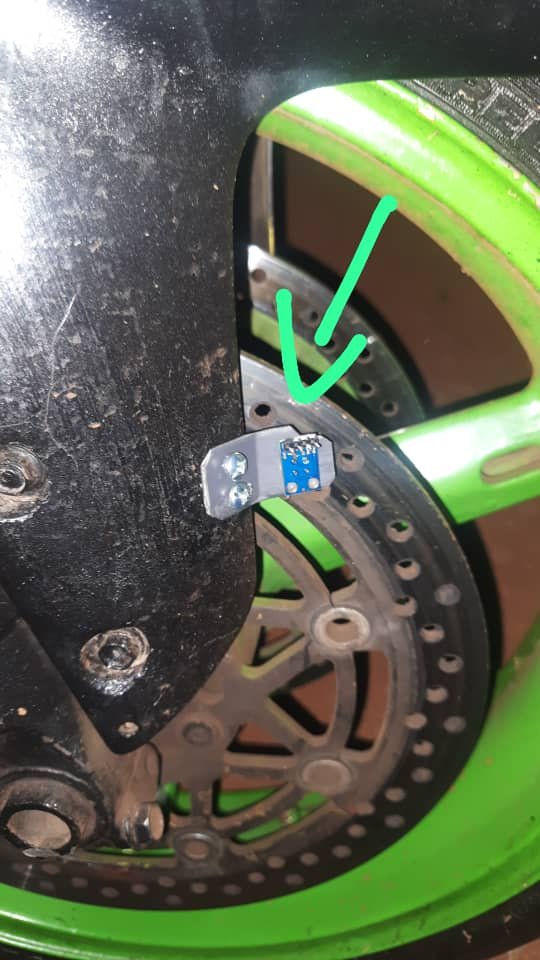
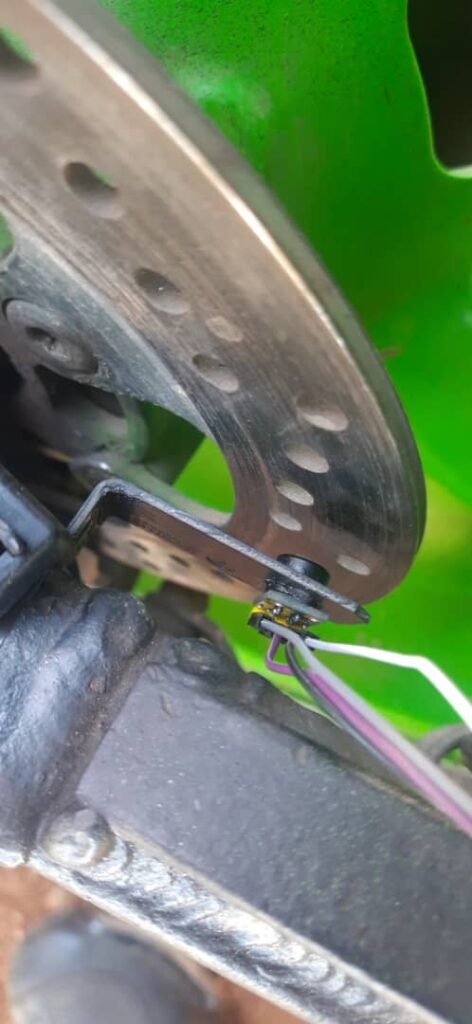
- E-03 → Left front brake rotor temperature sensor
- E-04 → Brake signal monitoring system (front/rear brake inputs)
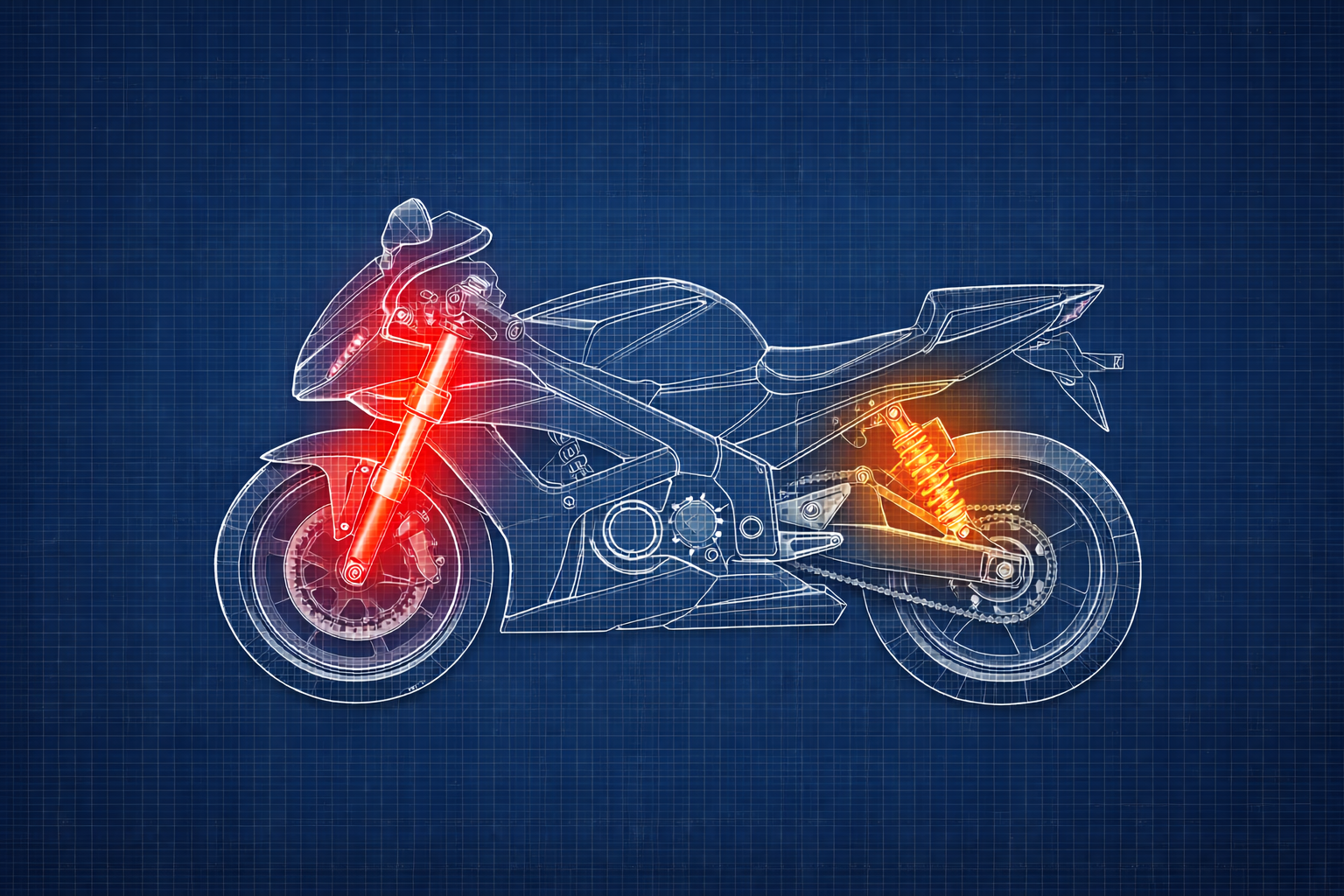
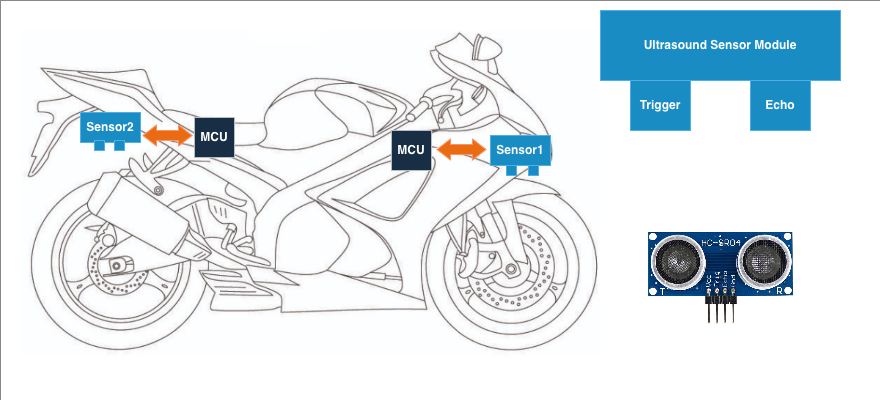
- E-05 → Front suspension monitoring system (ultrasonic)
- E-06 → Rear suspension monitoring system (ultrasonic)
- E-07 → GPS module: fix flag / lock state
- E-08 → GPS module: speed data stream
- E-09 → Engine coolant sensor
- E-10 → Headlight / pass-light switch sensor (used for triggers)
This mapping wasn’t meant to be perfect — it was meant to be useful. I could always expand it later.
Step 2: Decide how to detect a failure
Because this was a prototype, I went for a simple rule:
If a subsystem stops streaming valid data, the dashboard should flag an error code.
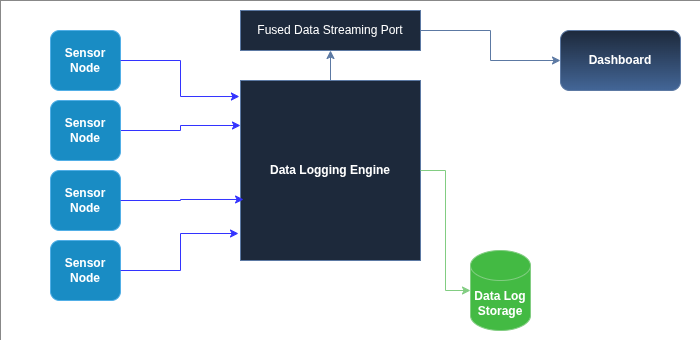
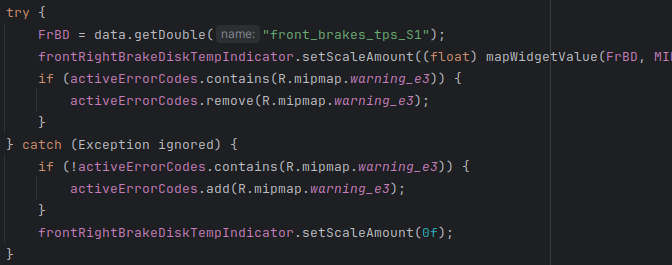
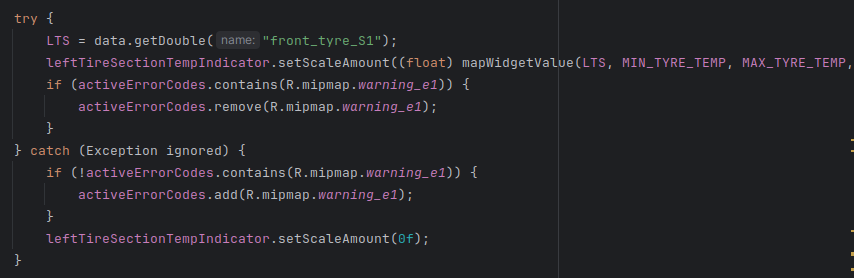
In my implementation, a lot of the failure detection happened while the dashboard was trying to extract values from the fused data object. If the expected field wasn’t present or couldn’t be parsed, it would throw an exception — and I used that as the trigger to mark the subsystem as failed.
This is not the most elegant approach (I’ll explain improvements later), but it worked well enough to expose real failures quickly.
Step 3: Maintain a list of “active” error codes
The dashboard keeps a list of error codes that are currently active.
This list is basically “hot faults” that the UI should display and cycle through.

Step 4: Flag errors when data is missing, clear them when data returns
Each sensor widget update loop follows the same pattern:
- try to fetch a value from the fused data object
- if successful: update the widget and remove the error code (if it exists)
- if it fails: add the error code (if it isn’t already active) and blank/reset the widget
This prevents duplicate error codes and keeps the display meaningful.
Here’s an example for the brake disc temperature path:


Step 5: Display errors by cycling through active codes
Once errors are in the list, the dashboard needs to show them.
My approach was simple:
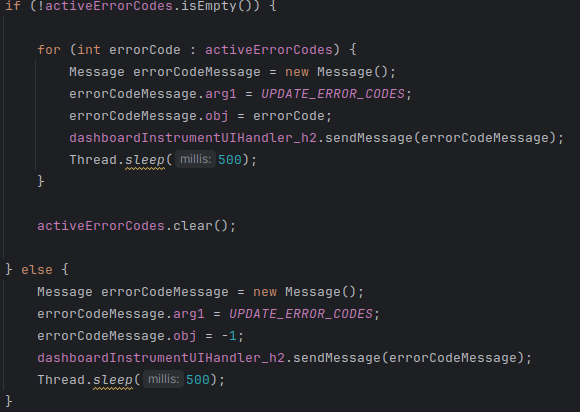
- if there are active errors, cycle through them and display each code briefly
- after cycling through all codes, clear the list
- if there are no active errors, send a “clear” signal to the UI
This gave a “flashing code” behavior similar in spirit to OEM diagnostic displays — not the same implementation, but the same idea: multiple failures can be shown, one after another.
Why this mattered more than I expected
This small system ended up being one of the most useful features in the project.
Because sometimes sensors would:
- drop out temporarily
- brown out
- reboot
- come back online by themselves
If error codes required a dashboard restart to clear, I’d be stuck diagnosing ghosts. Instead, the system clears codes automatically once valid data returns.
That meant I could:
- identify flaky modules quickly
- tell the difference between “sensor is dead” and “sensor is rebooting”
- stop blaming the entire system when only one subsystem was failing
For a prototype system, this was huge.
What I’d improve in a “version 2” diagnostic system
This approach worked, but it has limitations.
If I were rebuilding it more formally, I would improve it in a few ways:
- Use timestamps instead of exceptions
Each sensor stream should update a “last seen” timestamp. If it hasn’t updated in X milliseconds, then flag the fault. This avoids using exceptions as control flow. - Debounce the faults
Don’t flag a fault for a single missed frame. Require a short failure window (example: 300–800ms) before raising a code. - Separate “warning” vs “fault” severity
Some failures are annoying. Others make the dashboard unusable. Those shouldn’t be treated equally. - Log fault events into the JSONL ride log
Error codes are useful live, but fault histories are gold when you analyze logs later.
Even with those limitations, this first system proved the point: a dashboard becomes dramatically more usable when it can explain its own failures.